


 Settings
 Fast Delivery
 Free Shipping
 Incoterms
 Payment Types


 Marketplace Product
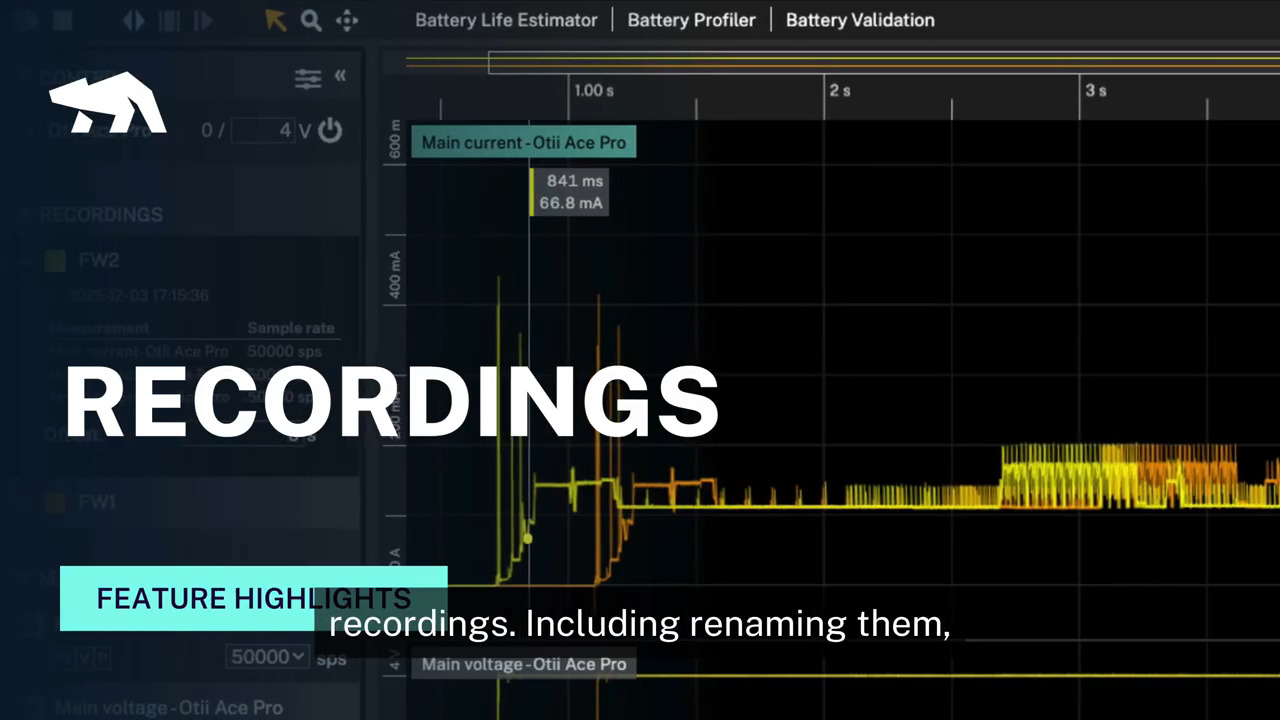
Manage and customize recordings in the Otii Desktop App. Learn how to rename recordings, control visibility, focus on specific captures, change colors, downsample data, and export recordings as CSV files.
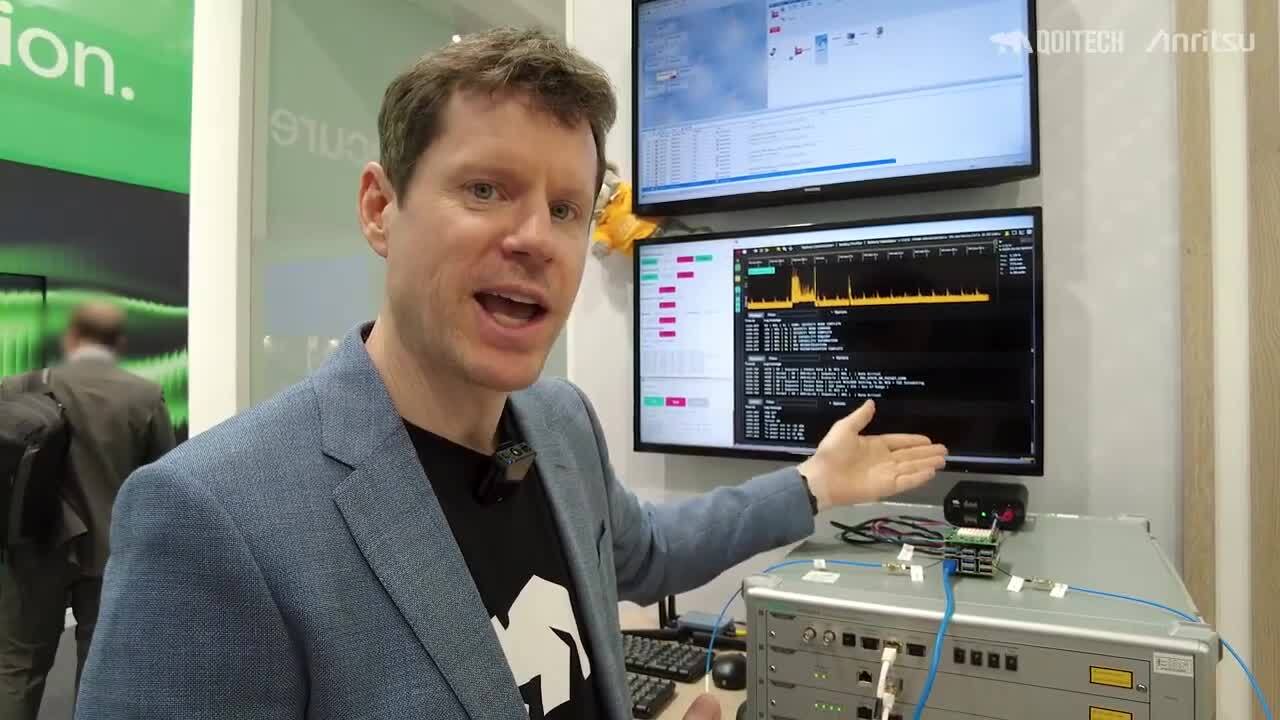
Björn Rosqvist (Qoitech) and Pavol Polacek (Anritsu) show how to sync high-resolution power measurements with cellular signaling using Otii Ace Pro and MT8000A, enabling system-level analysis of PSM/eDRX, TX behavior, and battery impact.
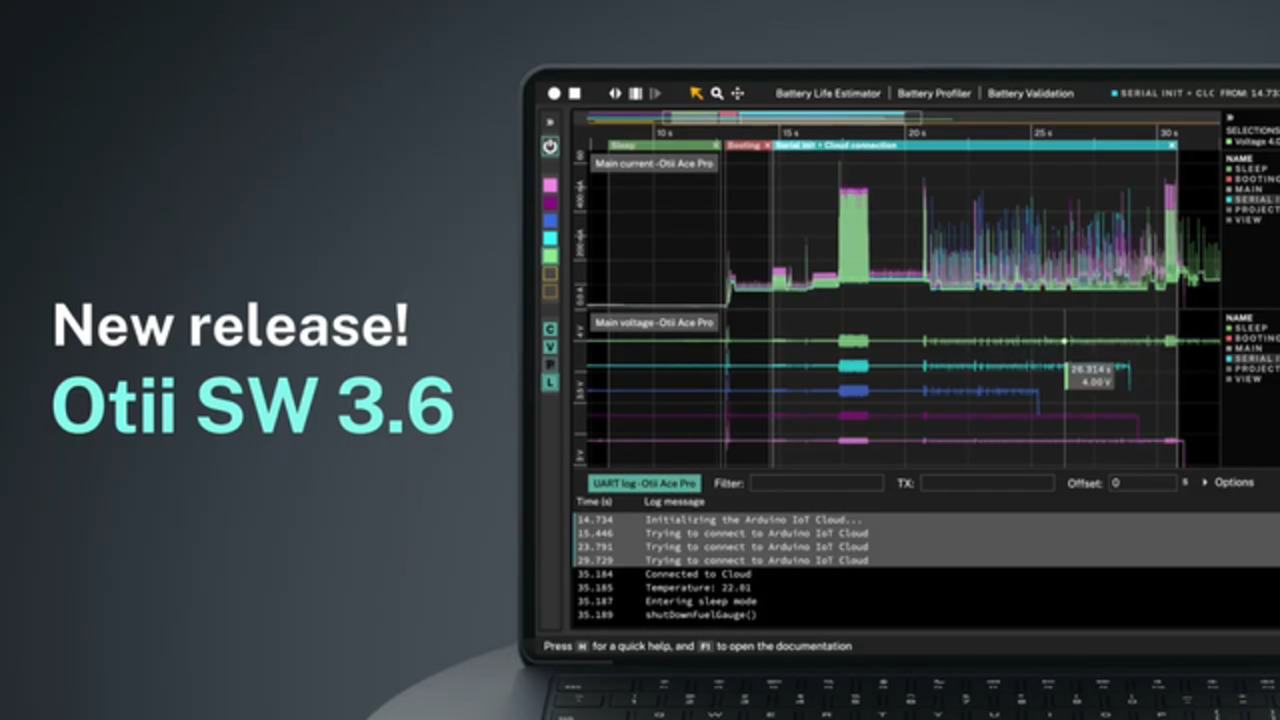
Otii 3.6, developed to streamline low-power analysis for engineers.
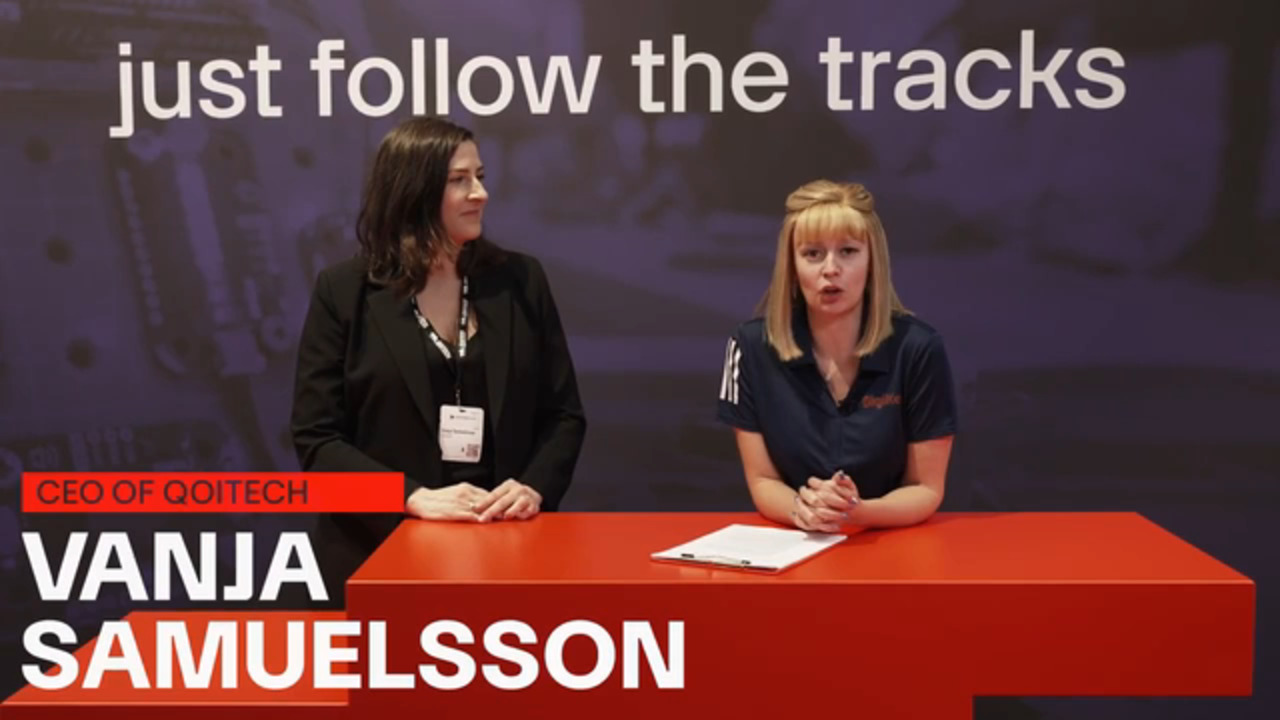
At Embedded World 2026, at the DigiKey booth, Vanja Samuelsson, CEO of Qoitech, shared how the Otii Product Suite makes the complex task of battery life estimation easier.
At Embedded World 2025, Maria Hernández, Product Specialist at Qoitech, shared how the Otii Product Suite helps engineers create power consumption profiles to identify and eliminate energy inefficiencies in embedded devices.
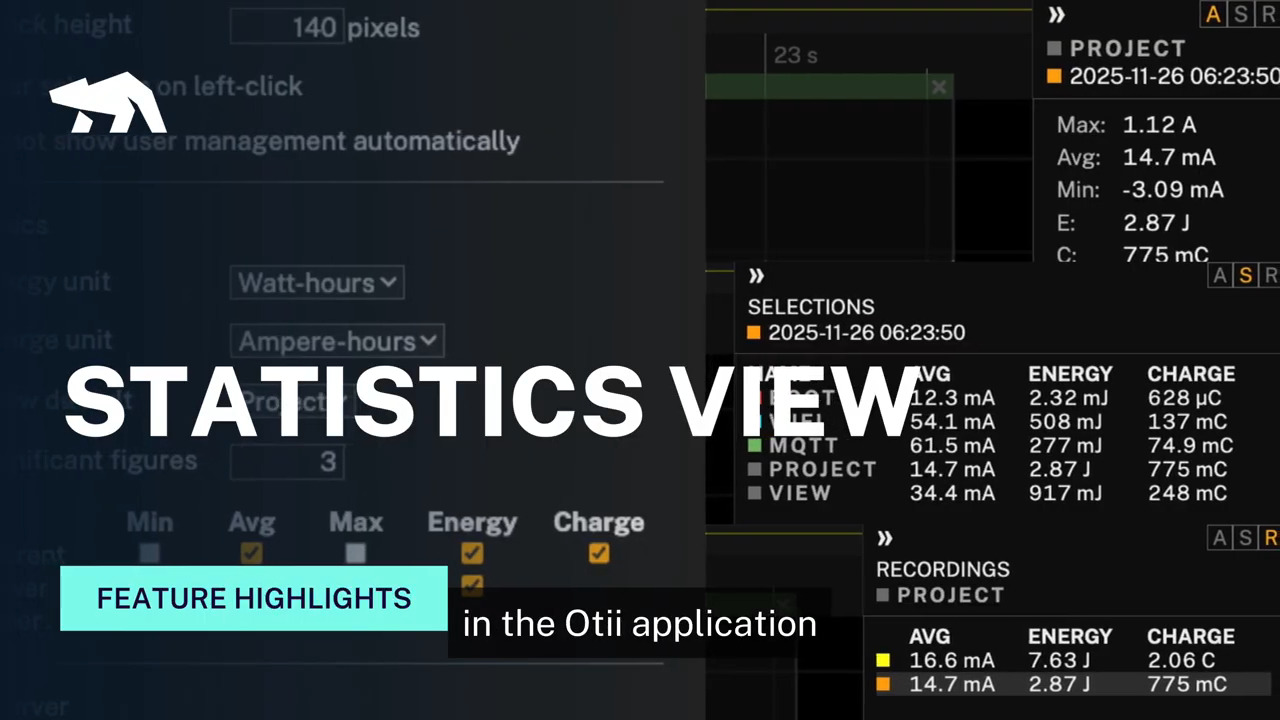
Navigate and customize the Statistics View in the Otii Desktop App to analyze current, voltage, power, energy, and charge metrics more effectively.
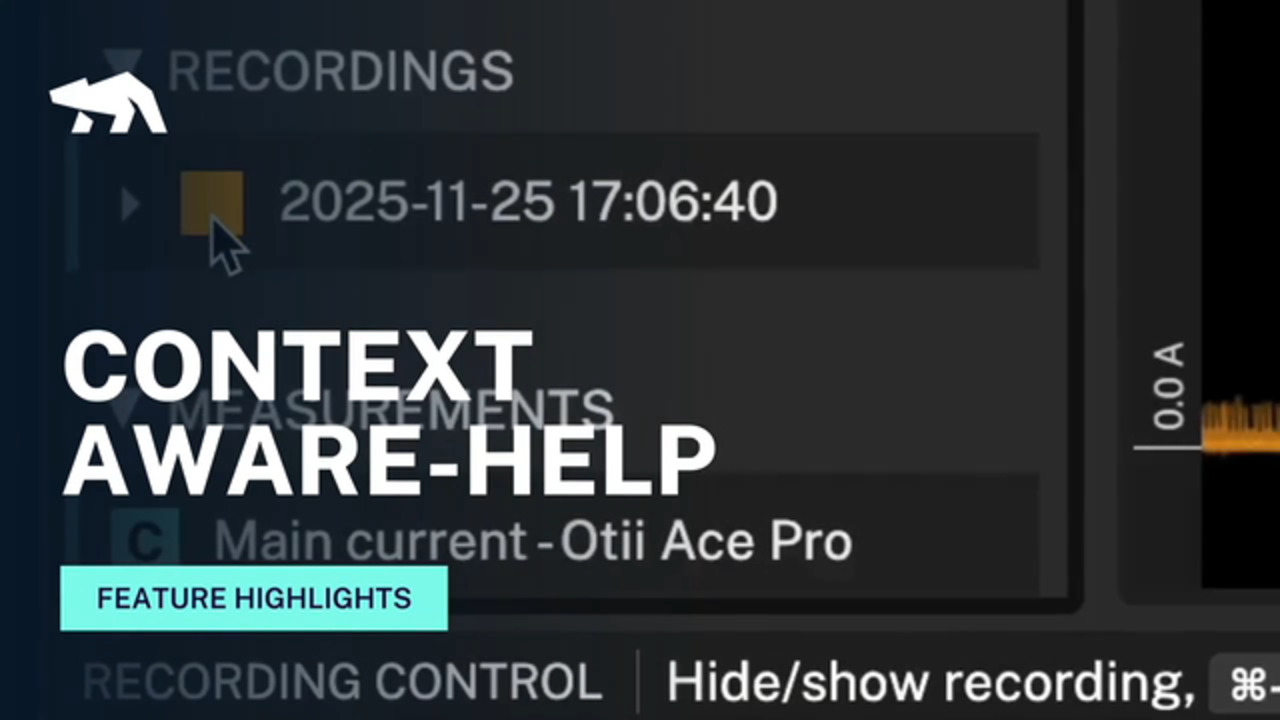
Navigate the Otii Desktop App faster using Context-Aware and the Quick Help. See how hover elements reveal functionality and keyboard shortcuts, how to open the full list of shortcuts, and how to access documentation easily.
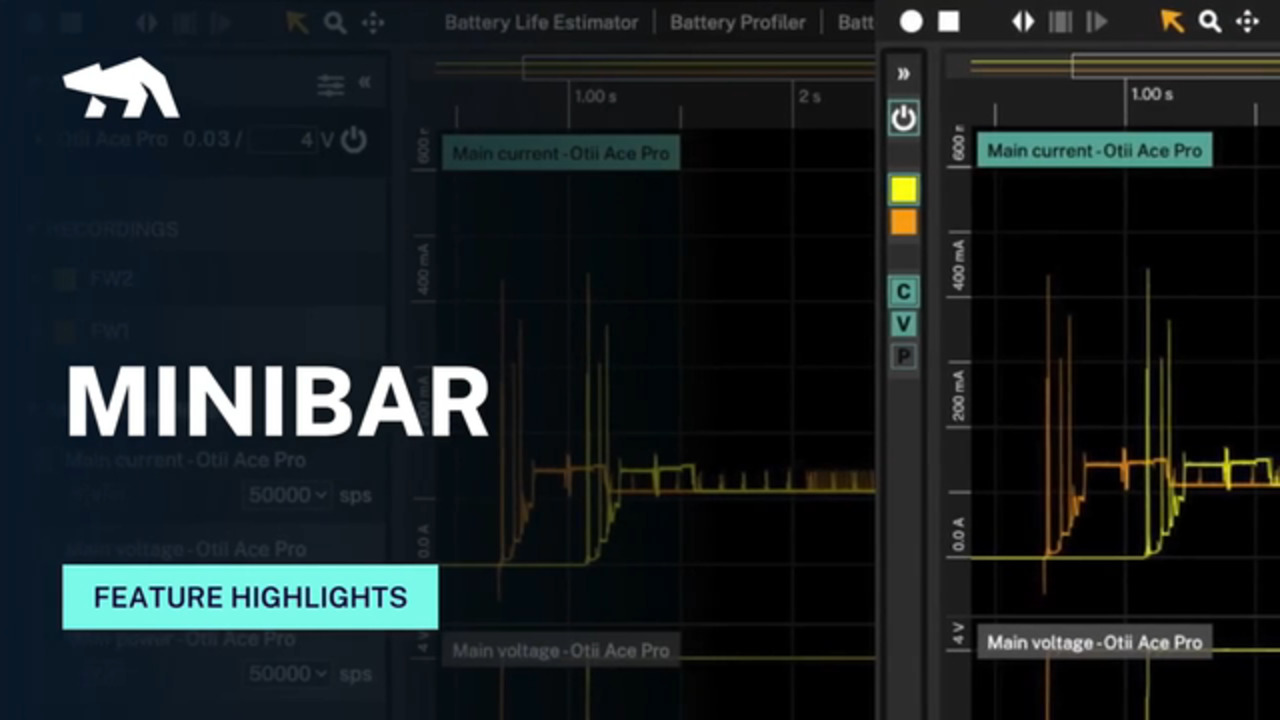
Minibar helps you stay focused on your data by collapsing the full sidebar into a compact control panel in Otii Desktop App. Learn how to start recordings, manage measurement channels, control power supply, and work across multiple Otii instruments.
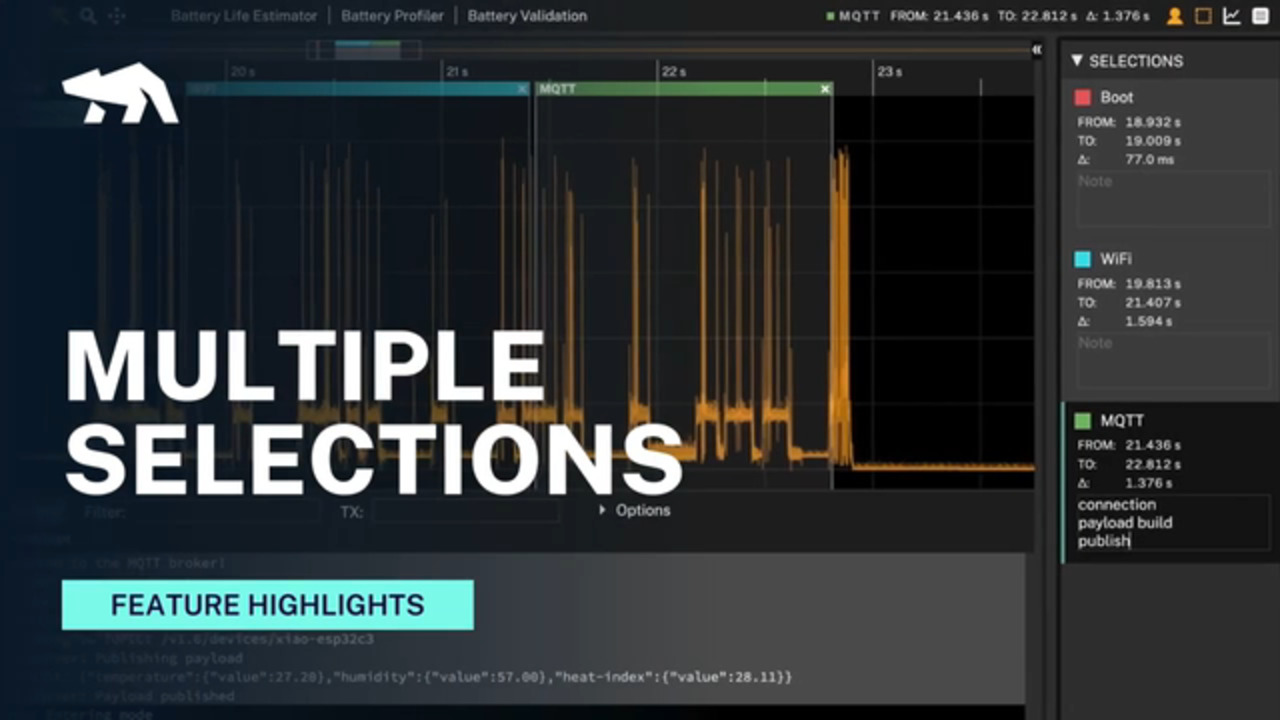
Speed up low-power analysis using the Multiple Selections feature in the Otii Desktop App. Learn how to create, edit, name, organize, and compare multiple time windows. An ideal workflow for engineers working on battery-driven devices.
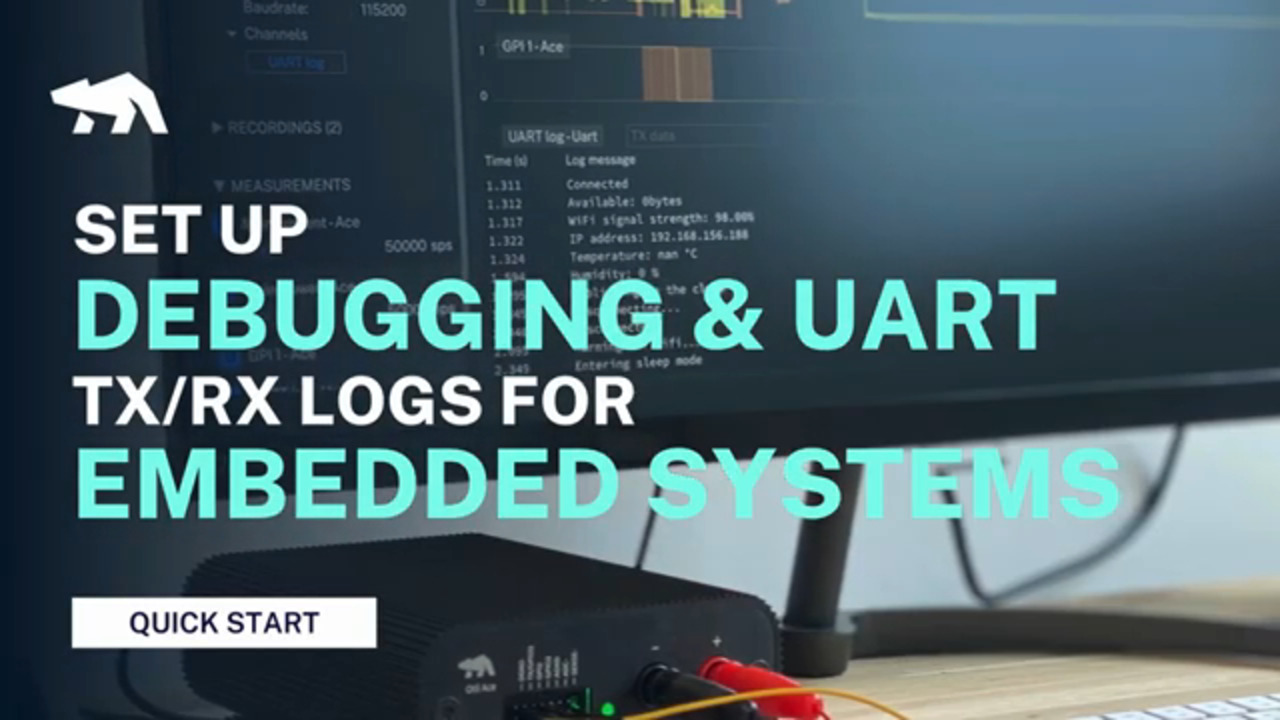
Discover how to set up a UART recording to debug, and control embedded or IoT devices in real-time within the Otii Desktop App to trace power consumption in your system easy and continuously.
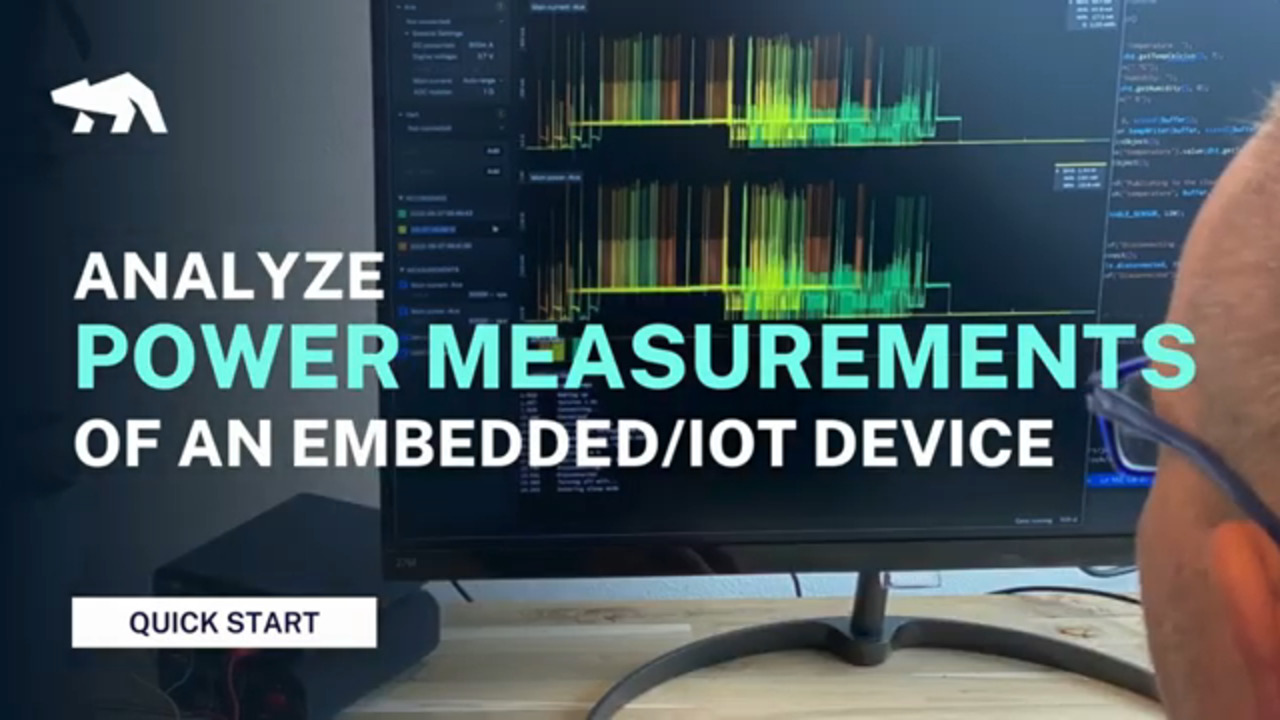
Discover how to utilize the recording tools designed to facilitate the customization, analysis, and optimization of multiple channels, such as voltage, current, and power, of any hardware up to 25 volts.
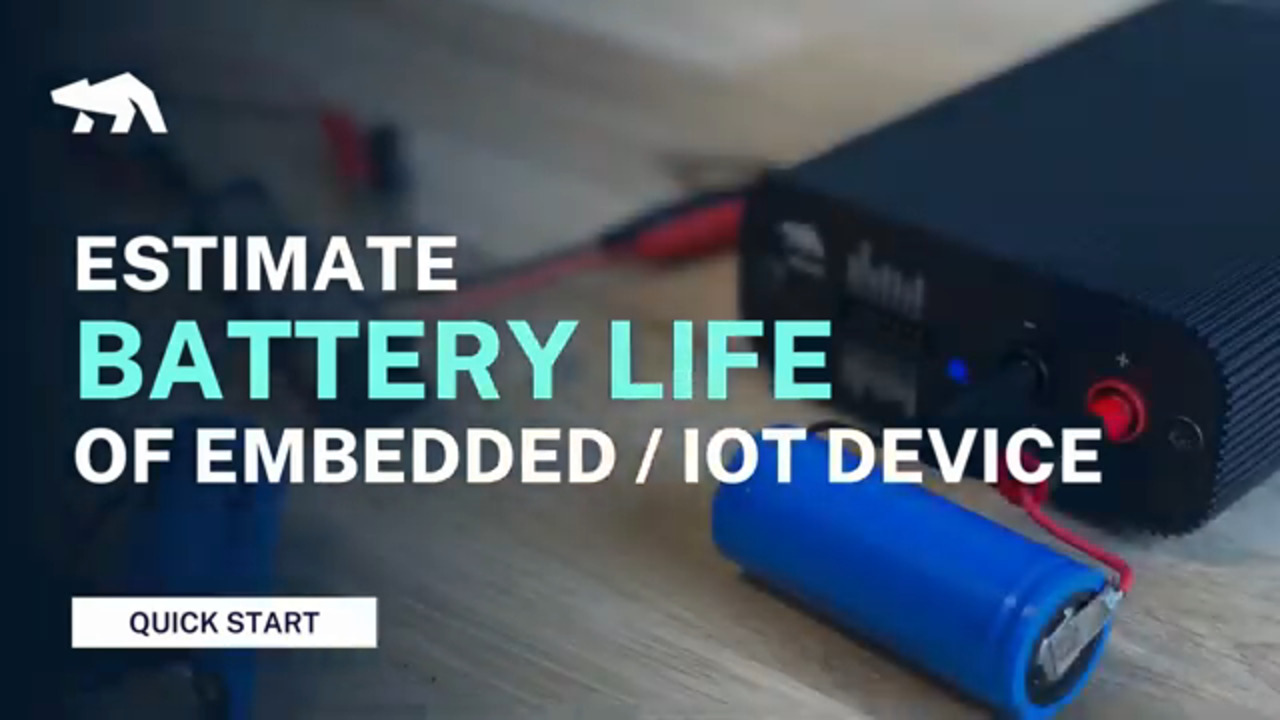
This video covers how to calculate the battery lifetime based on the chosen battery capacity and current consumption captured in the recordings in active and sleep mode.

Learn how to connect Otii Arc/Ace Pro with the Otii Desktop App to record and analyze power, voltage, and current measurements of embedded systems or IoT devices.

Discover how to set up an embedded system or IoT device to record and analyze energy consumption measurements for further optimization. This video covers tips and tricks for Otii Desktop App.

Learn how to start recording power, voltage, and current measurements of embedded systems or IoT devices within the Otii Desktop App using the Otii Arc/Ace Pro. This video covers choosing the channels to be measured and further customize recordings.
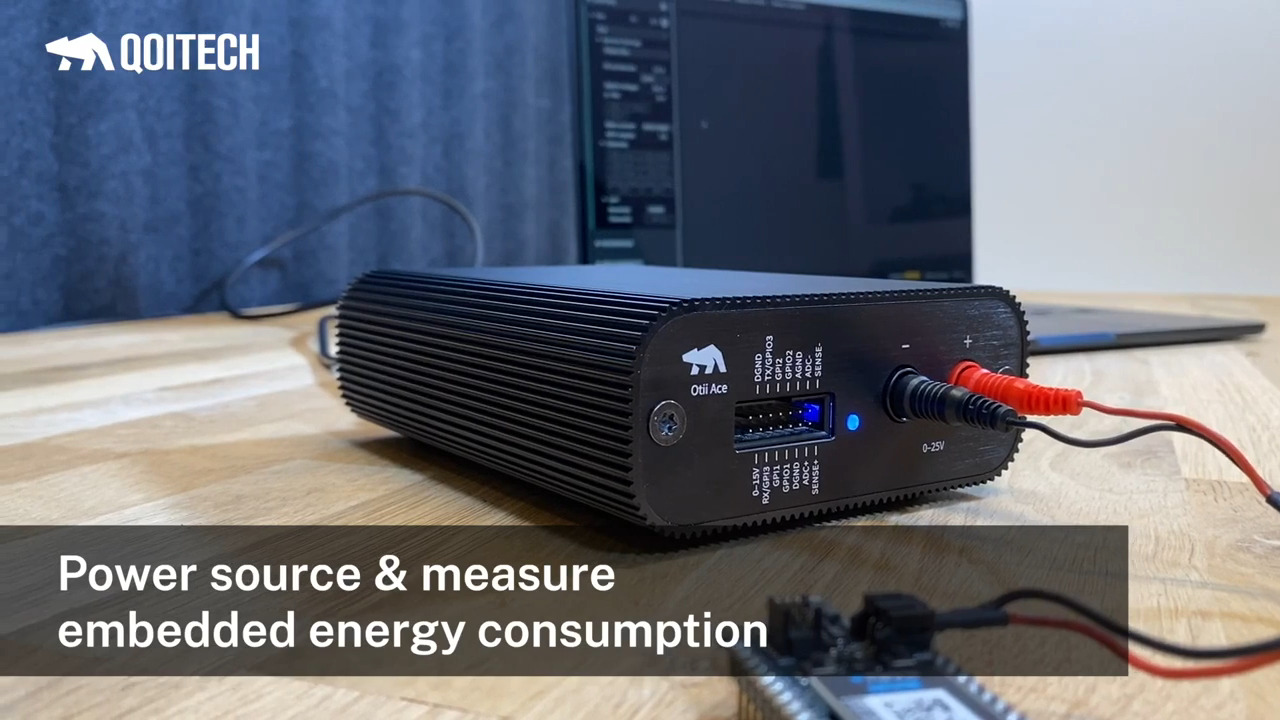
The following instructions demonstrate how to measure the energy consumption of embedded or IoT devices using Qoitech´s Otii Ace or Otii Arc with the software Otii Pro.
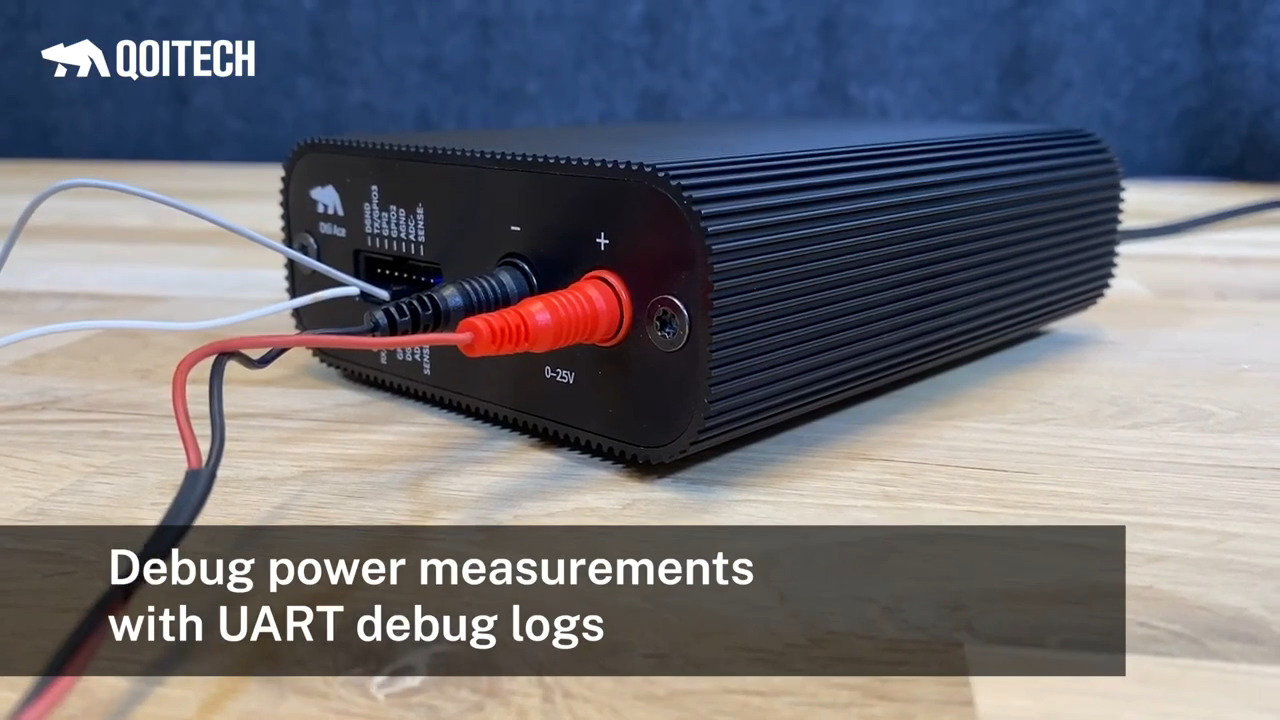
In this video, we will explore a method that allows you to optimize energy consumption in your devices by directly pinpointing unwanted current peaks.
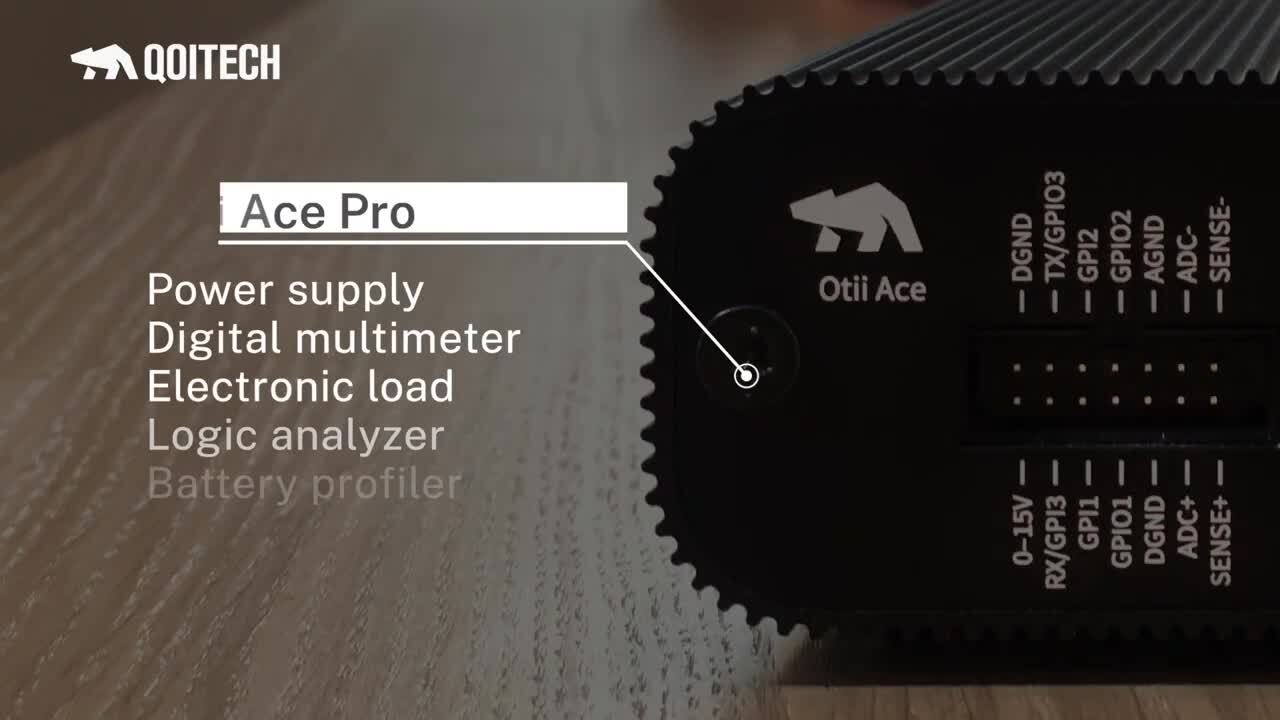
Power profiler, DC energy analyzer, power supply, digital multimeter, battery simulator, battery profiler. One box to rule all.
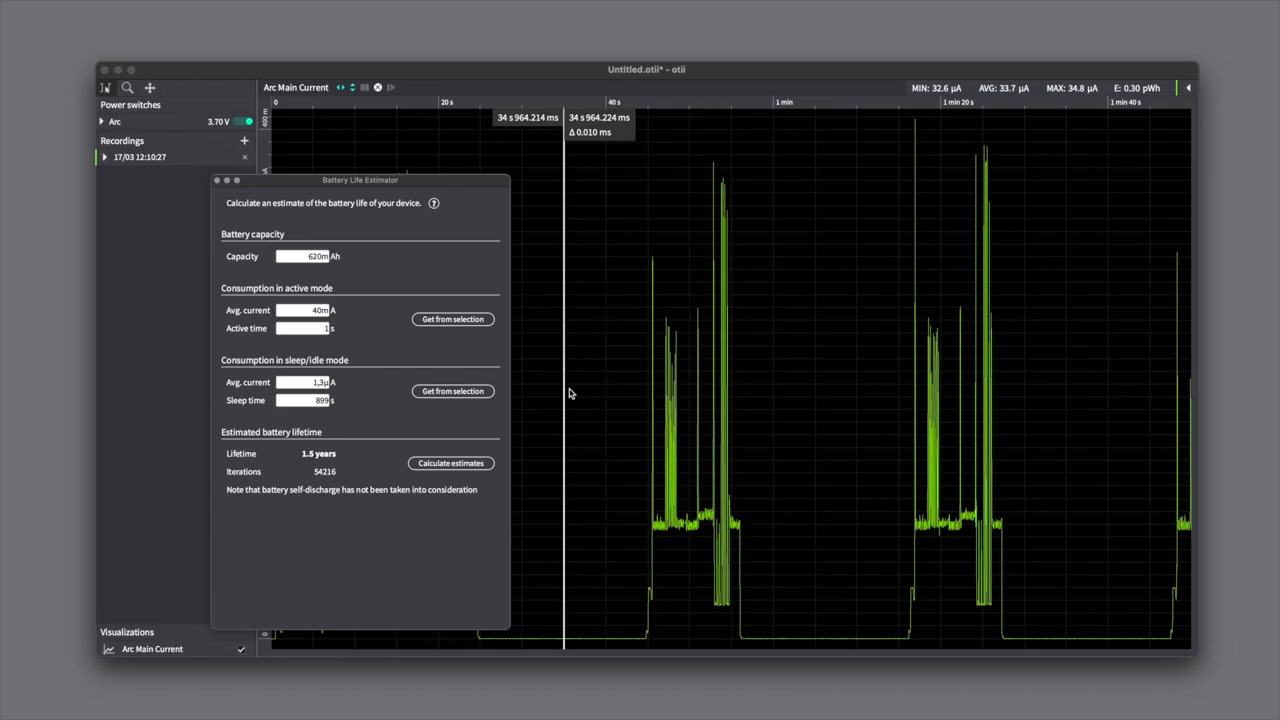
Quick start video to show you how to work with the Battery Life Estimator. For documentation: https://www.qoitech.com/docs/quick-start/estimate-battery-life
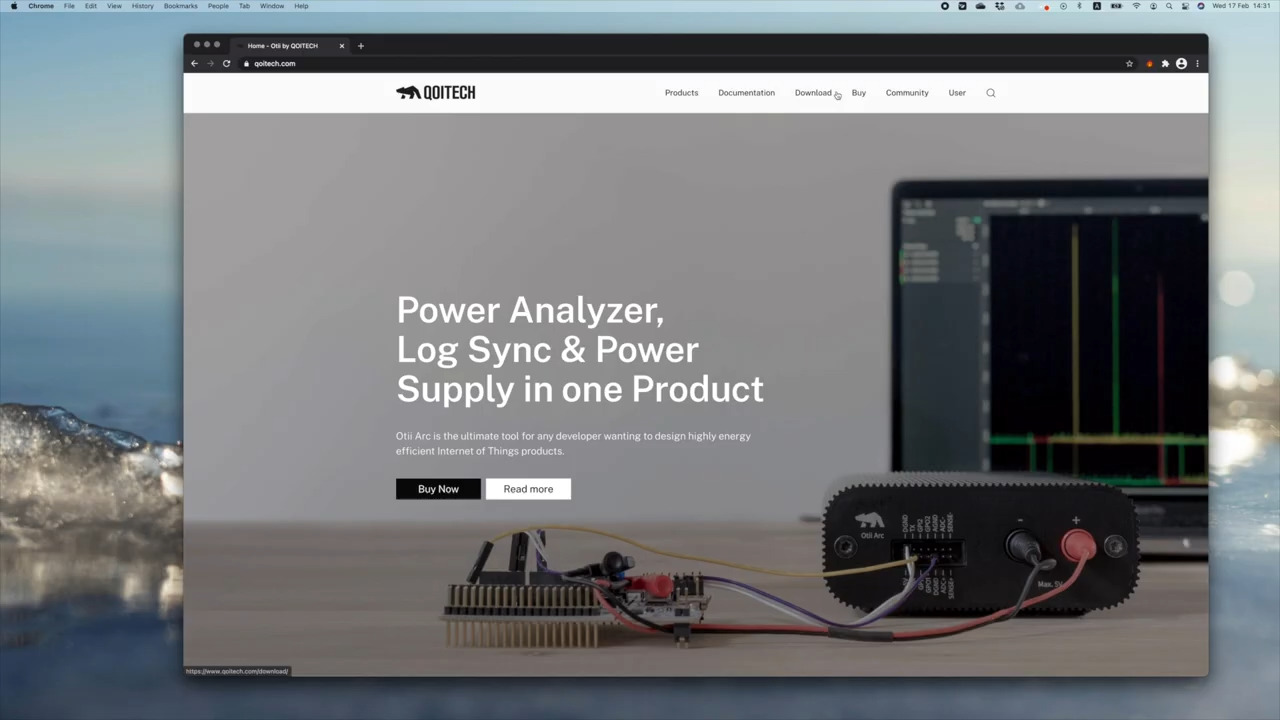
Quick start video to help you connect your Otii Arc. For documentation: https://www.qoitech.com/docs/quick-start/connect-otii-arc




